DMVPN Phase 3: Optimize a Summarized Hub-and-Spoke WAN
Keep the hub as the routing next hop, enable NHRP redirect and shortcut, advertise a summary toward the spokes, and prove that active flows still converge onto direct spoke-to-spoke forwarding.
DMVPN Phase 3 at-a-Glance
Phase 3 separates routing scale from forwarding efficiency. A spoke may hold only a summary through the hub, while NHRP installs an optimized forwarding shortcut for a destination behind another spoke.
In This Lesson
1. Plan the Upgrade from Phase 2
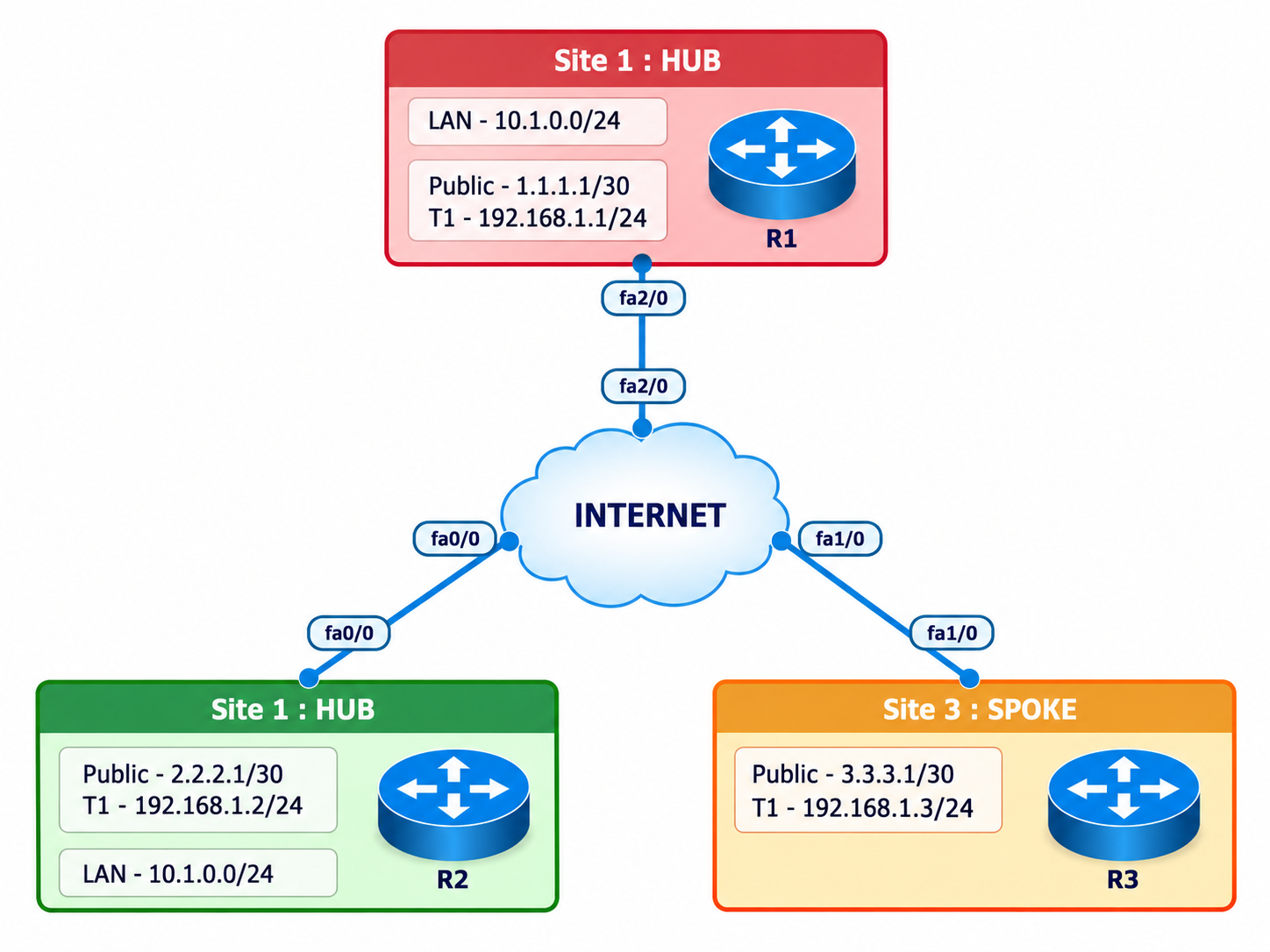
Retain the same three routers, mGRE tunnel interfaces, NHRP hub registration, EIGRP AS 100, and IPsec profile. Change only the phase-specific NHRP and routing behavior.
Remove the Phase 2 dependency
Restore EIGRP next-hop-self on the hub so spokes can route remote site traffic toward R1.
Add redirect at R1
The hub tells a source spoke that a better path exists after forwarding a suboptimal packet.
Add shortcut at R2 and R3
Each spoke can resolve the remote destination and install an optimized forwarding entry.
Before traffic, R2 uses the hub-advertised 10.0.0.0/8 summary. The first traffic is eligible to traverse R1, which sends a redirect. R2 resolves R3 and later packets use the direct dynamic tunnel.
2. Configure NHRP Redirect and Shortcut
All routers continue to use mGRE. The hub gains redirect; the spokes gain shortcut. Do not restore a fixed tunnel destination on the spokes.
R1 Hub complete Tunnel0
interface Tunnel0
 ip address 172.16.123.1 255.255.255.0
 no ip redirects
 ip nhrp authentication DMVPN-LAB
 ip nhrp map multicast dynamic
 ip nhrp network-id 100
 ip nhrp redirect
 tunnel source GigabitEthernet0/0
 tunnel mode gre multipoint
 tunnel protection ipsec profile DMVPN-PROFILE
 no shutdown
R2 Spoke complete Tunnel0
interface Tunnel0
 ip address 172.16.123.2 255.255.255.0
 no ip redirects
 ip nhrp authentication DMVPN-LAB
 ip nhrp map 172.16.123.1 198.51.100.1
 ip nhrp map multicast 198.51.100.1
 ip nhrp network-id 100
 ip nhrp nhs 172.16.123.1
 ip nhrp shortcut
 tunnel source GigabitEthernet0/0
 tunnel mode gre multipoint
 tunnel protection ipsec profile DMVPN-PROFILE
 no shutdown
R3 Spoke complete Tunnel0
interface Tunnel0
 ip address 172.16.123.3 255.255.255.0
 no ip redirects
 ip nhrp authentication DMVPN-LAB
 ip nhrp map 172.16.123.1 198.51.100.1
 ip nhrp map multicast 198.51.100.1
 ip nhrp network-id 100
 ip nhrp nhs 172.16.123.1
 ip nhrp shortcut
 tunnel source GigabitEthernet0/0
 tunnel mode gre multipoint
 tunnel protection ipsec profile DMVPN-PROFILE
 no shutdown
3. Restore the Hub as the EIGRP Next Hop
Phase 3 does not require the Phase 2 no ip next-hop-self behavior. The hub can remain the control-plane next hop while NHRP optimizes the forwarding plane.
R1 Hub
interface Tunnel0
 no ip split-horizon eigrp 100
 ip next-hop-self eigrp 100
router eigrp 100
 eigrp router-id 1.1.1.1
 network 10.1.1.0 0.0.0.255
 network 172.16.123.0 0.0.0.255
 passive-interface Loopback0
 no auto-summary
R2 Spoke
router eigrp 100
 eigrp router-id 2.2.2.2
 network 10.2.2.0 0.0.0.255
 network 172.16.123.0 0.0.0.255
 passive-interface Loopback0
 no auto-summary
R3 Spoke
router eigrp 100
 eigrp router-id 3.3.3.3
 network 10.3.3.0 0.0.0.255
 network 172.16.123.0 0.0.0.255
 passive-interface Loopback0
no auto-summaryno ip next-hop-self eigrp 100 from Phase 2, remove it or enter the affirmative command shown above. Preserving the spoke next hop can bypass the intended Phase 3 redirect workflow.4. Advertise a Summary Toward the Spokes
Summarization demonstrates the Phase 3 advantage. R2 and R3 no longer need every remote site prefix in the routing table to build an optimized forwarding path.
R1 outbound summary
interface Tunnel0
 ip summary-address eigrp 100 10.0.0.0 255.0.0.0

show ip route 10.0.0.0
show ip route eigrp
show ip eigrp topology 10.0.0.0/8
Expected on R2
show ip route 10.3.3.1

Routing entry: 10.0.0.0/8
Next hop: 172.16.123.1

The actual wording varies by image.5. Retain IPsec Transport Protection
NHRP changes forwarding state; it does not replace encryption. Keep the same profile on all tunnel interfaces and verify new spoke-to-spoke SAs after the shortcut forms.
Common profile
crypto isakmp policy 10
 encr aes 256
 hash sha256
 authentication pre-share
 group 14
 lifetime 86400
crypto isakmp key DMVPN-LAB-ONLY address 0.0.0.0 0.0.0.0
crypto ipsec transform-set DMVPN-TS esp-aes 256 esp-sha256-hmac
 mode transport
crypto ipsec profile DMVPN-PROFILE
 set transform-set DMVPN-TS
6. Verify the Shortcut and Reproduce a Phase 3 Failure
Capture the summarized route and hub next hop before traffic. Then generate traffic and prove that NHRP/CEF installs a more specific forwarding shortcut without replacing the routing-table summary.
R2 evidence sequence
show clock
show ip route 10.3.3.1
show ip cef 10.3.3.1 detail
show dmvpn
show ip nhrp

ping 10.3.3.1 source 10.2.2.1 repeat 20

show ip route 10.3.3.1
show ip cef 10.3.3.1 detail
show dmvpn
show ip nhrp
show crypto ipsec sa
Expected distinction
Routing table:
  summary still points to R1

Forwarding/NHRP state:
  shortcut resolves R3

Steady-state traceroute:
  R2 -> R3 direct
Disable shortcut on R2
Enter no ip nhrp shortcut on R2, remove only the dynamic lab state using the procedure supported by the image or wait for it to age out, and retest. Capture traffic remaining on the hub path. Restore ip nhrp shortcut and prove that optimization returns.
| Symptom | Likely cause | Evidence |
|---|---|---|
| No redirect observed | Hub redirect missing or traffic not suboptimal | R1 Tunnel0 and NHRP counters/debug in an isolated lab |
| Redirect sent, no shortcut | Spoke shortcut missing or resolution failure | R2 NHRP details and tunnel config |
| Shortcut exists, traffic fails | IPsec, underlay, MTU, or return path | Peer SAs, counters, interface and reverse test |
| Specific routes remain | Summary not configured or not advertised | EIGRP topology and Tunnel0 summary command |
7. Capture Genuine First-Hand Evidence
The completed GNS3 record proves the transition from a hub summary to a more-specific NHRP route and direct forwarding.
- Capture the 10.0.0.0/8 route through R1 before traffic.
- Capture CEF, NHRP, DMVPN, and IPsec state before and after shortcut formation.
- Capture a topology screenshot and timestamped terminal panes.
- Capture the disabled-shortcut failure with hub-path traffic.
- Capture restored direct forwarding while the route summary still points to the hub.
8. Frequently Asked Questions
Why does Phase 3 keep the hub as the routing next hop?
That allows the hub to advertise summaries or defaults. When traffic follows the hub path, NHRP redirect and shortcut create more-specific forwarding state for active destinations.
Does the routing-table summary disappear after a shortcut forms?
Not necessarily. Phase 3 can keep the summarized route through the hub while NHRP and CEF maintain an optimized forwarding entry for the active remote destination.
What is the most important Phase 2 to Phase 3 routing change?
Stop depending on the remote spoke as the routing-table next hop. Restore the hub's normal EIGRP next-hop-self behavior, then use redirect and shortcut for data-plane optimization.